You are the builder behind luxury.
- Iconic boutiques
- Palace hotels
- Starred restaurants
- Private estates
- aiGee listens on site
- Knows everyone and every promise
- Follows the same logic you would
- Proposes the tasks, the messages, the orders
- You confirm.
 You get 2 days back, every week.
- We spent25 yearson luxury sites
- We delivered274luxury projects
- We specified and sold€50Mof bespoke product
- aiGee is built on430k hoursof drawings, emails and site meetings
aiGee built by
- Engineer
- Builder
- Entrepreneur
- Project manager
aiGee listens. You lead. It keeps building.
The app that gives your project a brain.
It runs on voice, on site, and everyone on the project can reach it.
One brain. One voice button. Nine ways it works.
Project brain
knows the project, the people, the promises.
- youWhat are the tasks from this morning's meeting at the boutique?
- aiGee
- Concrete pour, lobby floorNadia OlivaOliva ConcreteThursday 14
- Showcase glass, ground floorPaul MeunierMeunier GlassFriday 15
- Electrics, second floorMarc BertinBertin ElectricalMonday 18
- youAdd a task for Lucy to paint the east wall of room 2, and move Marc to Tuesday next week.
- aiGee
- Paint the east wall, room 2Lucy FennFenn PaintingThursday 21
- Electrics, second floorMarc BertinBertin ElectricalTuesday 26
Tasks
aiGee keeps every task, and tells you when one stops moving.
- Created and changed by voice
- Done reported with photos, confirmed or sent back
- A stall raised before the due date passes
And more, once you are working in it.
- youa recording, 41 minutesThis morning's site meeting at the boutique.
- aiGee9 decisions, 6 tasks. The bathroom run moves to Thursday, which moves Lucy off the east wall.
- The reportwhat was decided
- The 6 taskseach with a name
- aiGeeEvery task has an owner by name. Nothing goes out until you confirm.
Meetings
aiGee turns a meeting into a report with names on it.
- A recording or a meeting link becomes a report
- What was decided, and the tasks that follow
- An owner by name on every line
And more, once you are working in it.
- youWhat needs me this morning?
- aiGee3 to handle now. Vasseur Stone is first, because the facade goes up Thursday.
- youAsk them to confirm the slabs are on the Tuesday truck.
- aiGeeReply drafted, ready when you are. The other 14 can wait until Friday.
aiGee analyses your inbox against what is really happening on site.
- Priority now, second row or later, with the reason why
- Your remarks and choices teach aiGee to rank your inbox better every day
- Replies dictated and drafted, sent when you say
And more, once you are working in it.
- youThe staircase handrails are here, two are chipped.
- aiGeePosted on the staircase chat. The supplier and the fitters have answered, and what happens next is settled in the thread.
- the supplier, by emailReplacements ship Monday.
Chat
Subject oriented chat. Every group is created from the subject it is about.
- A thread on any task, item or site
- The whole history and the files, in one place
- Your crew takes part from email, WhatsApp or Telegram, with no new app
And more, once you are working in it.
- youDraw up the quote from that call with the architect.
- aiGeeDrafted. 4 lines, €26,800, revision 3 of the joinery chain.
- youAdd the wardrobe interiors.
- aiGee5 lines now. Two recipients ticked, one waiting for you. It comes back signed.
Documents
aiGee turns a conversation into the paperwork.
- Quotes, contracts and invoices drafted with lines and totals
- Every recipient approved by you
- Signed and returned between the parties
And more, once you are working in it.
- youTwenty lengths of copper pipe left, and the concrete is down to 8 bags.
- aiGeeBoth updated. Thursday's bathroom run takes 40 lengths, so 20 are missing.
- youI gave Marc the electric drill.
- aiGeeLogged as a hand over. The drill sits with Marc Bertin until it comes back.
- youThe textured paint in room 2 is past its date.
- aiGeeMarked expired and off the count. Disposal goes on Wednesday, and a new can is drafted to your supplier.
Inventory
aiGee knows what every task needs and what is on the shelf.
- Stock counted and used by voice
- Every task checked against what is available
- A shortage becomes one order, drafted to your supplier
And more, once you are working in it.
- youWho was our electrical contractor on the Café de la Plage?
- aiGeeElectrician Marc, 4 projects together.
- youSend him the revised drawing of this boutique, for the quote.
- aiGeeDrafted with the drawing attached, waiting for you.
People
Everyone you work with, and everything agreed with them.
- Team, role and every project you have shared
- What was agreed, and when
- A task, a message, a document, or an inventory handover, just by saying their name
And more, once you are working in it.
- youWhat bulb did we use in the main kitchen, third floor, at the Hôtel Château de Provence?
- aiGeeE14, 2700K, 135 lumens. Specified 3 years ago and never changed.
- The data sheetthe specification, as filed
- The supplierwho it was bought from
- youThree of them need replacing. Order them.
- aiGeeDrafted to the supplier, with the reference on it. Waiting for you.
History
Ask any site what happened, and get the record back.
- One timeline across meetings, mail, documents and photos
- Every answer carries its source
- Asked out loud, on any site
And more, once you are working in it.
- youWhat matters today?
- aiGeeThree. The wardrobe lighting moved to Thursday, the client report on site progress is due today, and Meunier has not confirmed the replacement panels.
- youShow me the client report draft so we can work on it, and remind Meunier what he promised.
- aiGeeOpen it and we work on it together. The reminder to Meunier is drafted beside it, waiting for you.
- The client reportdrafted from this week
- The reminderwith his promise quoted
Personal assistant
Three things that matter, and why each one.
- The three that matter today, with the reason
- What changed since yesterday
- Say what to move, and the day reorders
And more, once you are working in it.
aiGee compoundsyou.

It listens and learns how you run your projects by absorbing:
- your decisions
- your priorities
- your standards
Every project runs by your rules.
The more it hears from you,

the more aiGee anticipates.
Every project management system sits in the office.
Everything real is decided and said on site.
Nothing connects them. So you are the connection.
Everything true was already said.
You are the only one who sees the whole web.
- That is why you are still on the phone at 22h on a Sunday.
- That is why you sleep on site the week before opening.
- That is why you are the one responsible for the opening day being respected.
- An opening day never changes.
- Every subcontractor arrives in the same m² in the same short weeks.
- And everything that was never settled surfaces at once.
 Someone has to hold all of it.
It has always been you.
People talk on site.aiGee listens, connects and proposes.

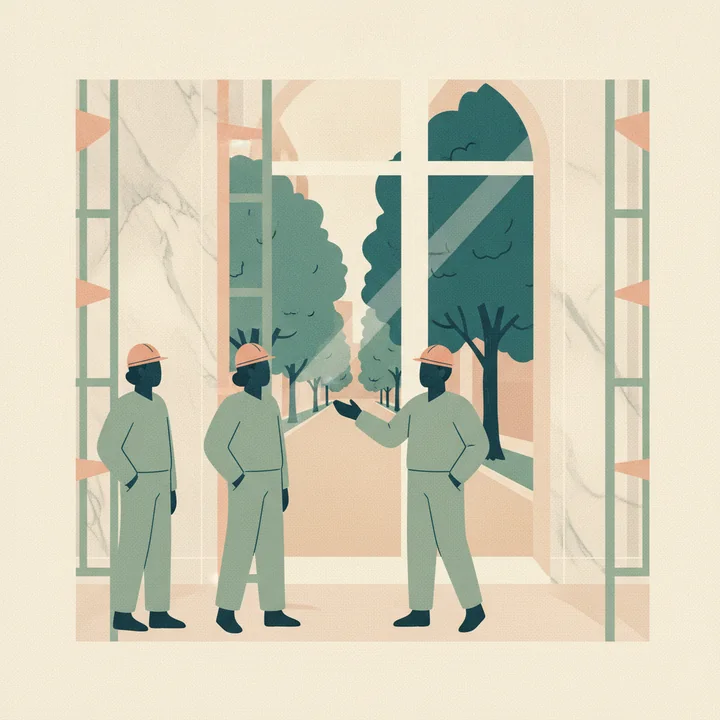
Tuesday, site meeting.
Someone mentions the city closes the avenue Wednesday.
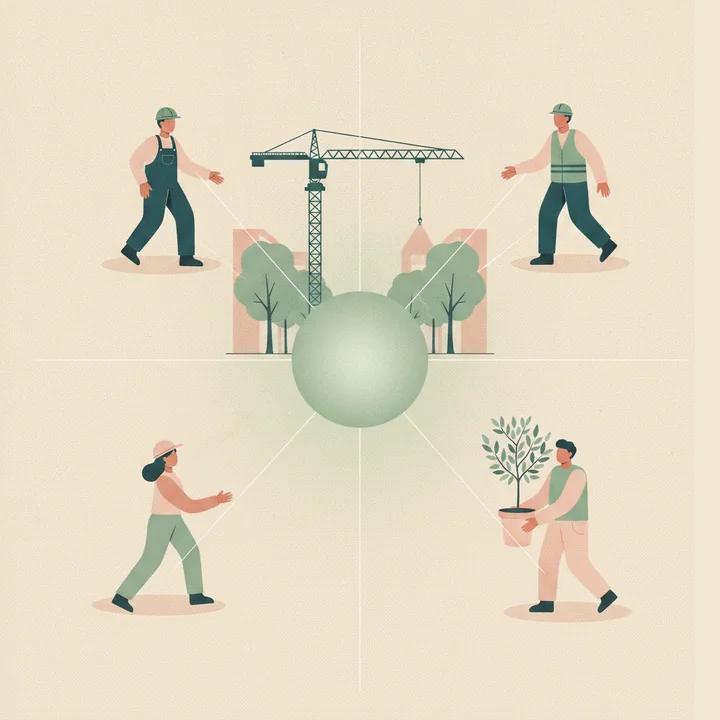
aiGee, immediately, to everyone.
The crane is booked Wednesday. It lifts from that avenue.
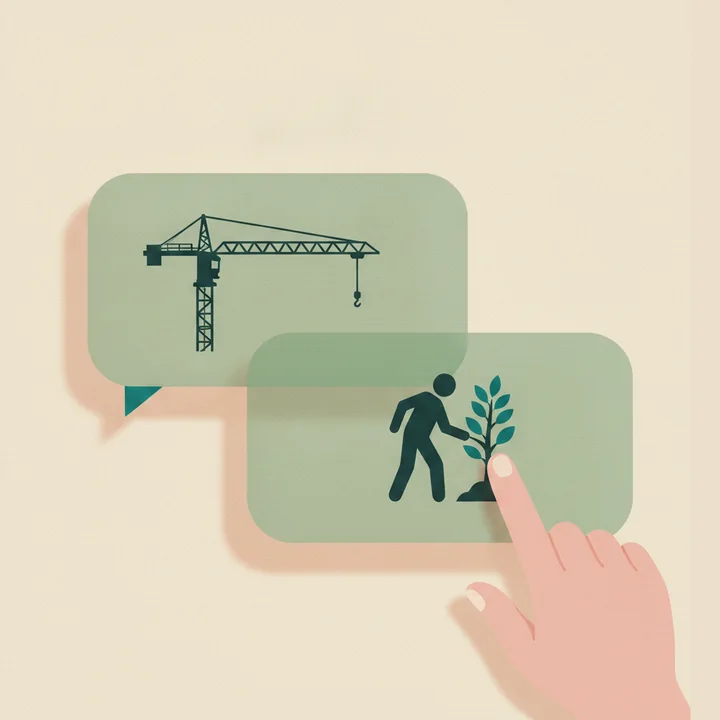
aiGee drafts both messages.
The crane to Monday. The landscapers, the same minute. You approve both.
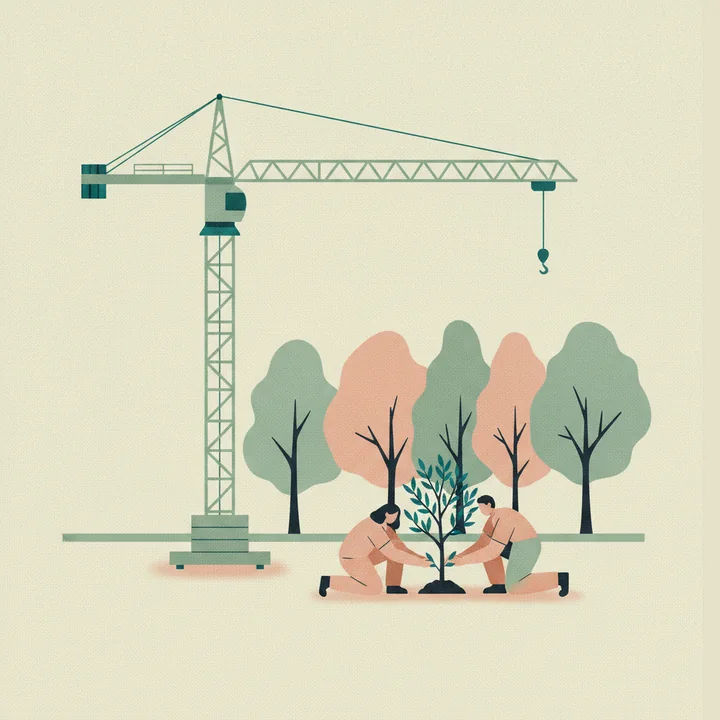
Everyone informed.
The crane comes Monday. The olive trees go in Tuesday.
One sentence, caught on the go. The whole web moved with it.
Just an ordinary week:
- "It has been humid all week."
- The plaster takes an extra day.
- The floors and the furniture move behind it.
The delivery moved before the truck loaded.
- "The site dropped to 8°C overnight."
- Walnut panelling needs a warm room.
- The sconces mount on the panelling.
The atelier held the shipment before it left Italy.
- "The lobby pour went 20mm deeper to correct the slope."
- Deeper concrete dries a week longer.
- The resin floor and the reception desk wait with it.
Draft ready for the atelier. You send it.
- "The container is held five days at customs."
- The vitrines land a week late.
- The electricians fly in Tuesday to wire them.
Both bookings moved before anyone flew.
- "The quarry photos show denser veining."
- The pattern changes, so the brass inlay moves with it.
The architect approved Thursday. The cutter knew Thursday.
aiGee drafts.You tap to confirm.
aiGee is your mastery, coming back to serve you.
Everyone speaks their own language.You and aiGee speak all of them.
The stone mason.
Veining, and how the pattern runs across the joint.
The electrician.
Circuits, and what has to be live before the ceiling closes.
The visual merchandiser.
Sparkle, and where the customer decides to buy.
The client.
The opening date everything else is built around.
With aiGee, everyone keeps their own words, and their own way of working.
You understand all of them at once. That is the rarest skill on a site, and what makes you a great project leader.
- You know how the stone changes the lighting.
- Why the lighting sells the €1M watch.
- How the design carries the maison's identity.
You hold the web.
- Which slab the vitrine sits on.
- Which circuit the sconce needs.
- What happens before what.
aiGee listens, and learns the same web.
Everyone sees what touches their own work.
You keep the whole picture.
aiGee carries the routine load.
You do the part only you can do.

With aiGee, you win at least 2 days per week.

I lived the problem for 25 years. Now I write the code.
Entrepreneur at 17.
Building things before most people have picked a trade.
Project manager for 25 years.
Iconic boutiques, palace hotels, private estates. I sat in the chair, on the site, with the client.
Engineer, and still a developer.
Production automation in 2001. Lighting control and smart home on every site since. I never stopped writing code.
I built software and sold it.
Technical co-founder of a field SaaS. I built it, and exited after 2.5 years.
The same thing, for 25 years.
The best people on the best projects, buried under work that was never the point.
Now I write aiGee myself.
Coding has always been part of my job.

Olesya Tarasova.
CEO and Founder.
- 25 years on luxury sites, as engineer, entrepreneur and project manager.
- Software engineer since 2001.
- I code aiGee myself.
- Project manager since 2003 (MBA, Bentley College, Boston).

Patrick Connan.
COO and Co-Founder.
- 35 years at Orange France. Operations, team management and sales management.
- 101luxury boutiques
- 74architectural private estates
- 54historical facades
- 12hotels
- 9monumental sculptural lighting installations
- 11starred restaurants
- 6luxury shopping malls
- 7public greenspaces
Where I worked, over 25 years:
- Cartier.
- Chanel.
- Hermès.
- Louis Vuitton.
- De Beers.
- Ralph Lauren.
- Boucheron.
- TAG Heuer.
- Baccarat.
- Hugo Boss.
- Piaget.
- Breguet.
- Van Cleef & Arpels.
- Swatch.
- Miu Miu.
- Bacardi.
- A. Lange & Söhne.
- Marriott, Champs-Élysées.
- Saint James.
- Pratesi.
- Tourbillon.
- LUMA Arles.
- Hôtel Ballu, Paris.
- Hôtel de Berri, Paris.
- Théâtre de la Renaissance, Paris.
- 12 STOREEZ.
- Ulyana Sergeenko.
- Babochka.
- AFIMALL.
- JetBrains.
One brain. Everyone on it.
Simple. One price per person. Cancel anytime.
Comparing tools? See aiGee vs Procore, the AI quote apps, and monday.com →
CREW
€29per seat / month
- Email triage
- Voice to Task
- Personal assistant
- Inventory layer
- Brain access, own tasks only: receive, progress, report
PRINCIPALFull picture
€97per seat / month
- Everything in Manager
- All analytics
- The full view of the business
MAISON
On request
Everything in Principal, and:
- A dedicated environment
- Your data region
- Integration with your systems
- Personal onboarding
- Customisation
Each company pays for its own people. Monthly, and you can stop whenever you like.
aiGee connects the dots because every trade talks to it. The more of the project is on, the more it hears.
A typical team of 8 runs about €300 a month.*
Usage is metered in plain numbers inside the app. The €300 example already includes typical usage.
* The busiest months can take more. Extra usage is available inside the app, any time.
Questions people ask.
Will my team have to type?
They speak. On site, in their own words, in their own language. aiGee does the writing.
Do my subcontractors need to install anything?
They can stay where they already work. Tasks reach them by email, WhatsApp or Telegram, and their replies come back into the project. The app gives them more: their own day, photo reporting, and your remarks where they are looking.
Can aiGee send something on its own?
Everything that would leave the system exists first as a draft waiting for your confirmation. That is enforced in the code path, not in a policy document.
Does my data train AI models?
Your conversations, email and files are processed under provider agreements that forbid training on customer data.
Where does our data live?
In the EU or the US, hosted where you choose. Your projects stay yours.
Do I replace Procore, Fieldwire or monday.com?
Keep what works. Those manage what your team types in. aiGee captures what was said in meetings, site walks and email, and can feed the tools you already use.
Is aiGee proven on real projects?
Every day, on my own. I built aiGee for the job I did for 25 years, and I run my own work on it. The honest test is yours: bring one project, running or finished, to a 30 minute call.
What does it cost to start?
€29 a month for a person on site, and you can stop whenever you like. Starting is a 30 minute call with one real project.
Bring one project, running or finished. In 15 minutes aiGee has the whole web: who does what, what is still open, and what matters today.
Book 30 minutesWatch a meeting remember itself.
Olesya Tarasova · contact@aigee.app · +33 7 51 62 06 94